
Acoustic Analysis (1.5 hrs)
-
Intro
-
00 | Install the Aeolus plugin
-
02 | Set up the base geometry for acoustic analysis
-
03 | Define the sound source object
-
04 | Compute the Sound Pressure Levels
-
05 | Construct a map to visualise Sound Pressure Levels
-
06 | Analyse the relationship between design variables and Sound Pressure Level distribution
-
07 | Analyse a doubly curved geometry
-
08 | Adjust acoustic simulation settings
Information
| Primary software used | Grasshopper |
| Course | Acoustic Analysis (1.5 hrs) |
| Primary subject | Analysis & simulation |
| Secondary subject | Optimization |
| Level | Intermediate |
| Last updated | September 25, 2026 |
| Keywords |
Responsible
| Teachers | |
| Faculty |
Acoustic Analysis (1.5 hrs) 0/8
Acoustic Analysis (1.5 hrs)
Acoustic simulation is introduced as a performance-driven design tool integrated into parametric workflows.
Tutorial Overview
Duration approx. 1.5 hrs.
The tutorial progressively covers:
- 00 | Install the Aeolus plugin
- 02 | Set up the base geometry for acoustic analysis
- 03 | Define the sound source object
- 04 | Compute the Sound Pressure Levels
- 05 | Construct a map to visualise Sound Pressure Levels
- 06 | Analyse the relationship between design variables and Sound Pressure Level distribution
- 07 | Analyse a doubly curved geometry
- 08 | Adjust acoustic simulation settings
Acoustic Analysis (1.5 hrs) 1/8
00 | Install the Aeolus plugin
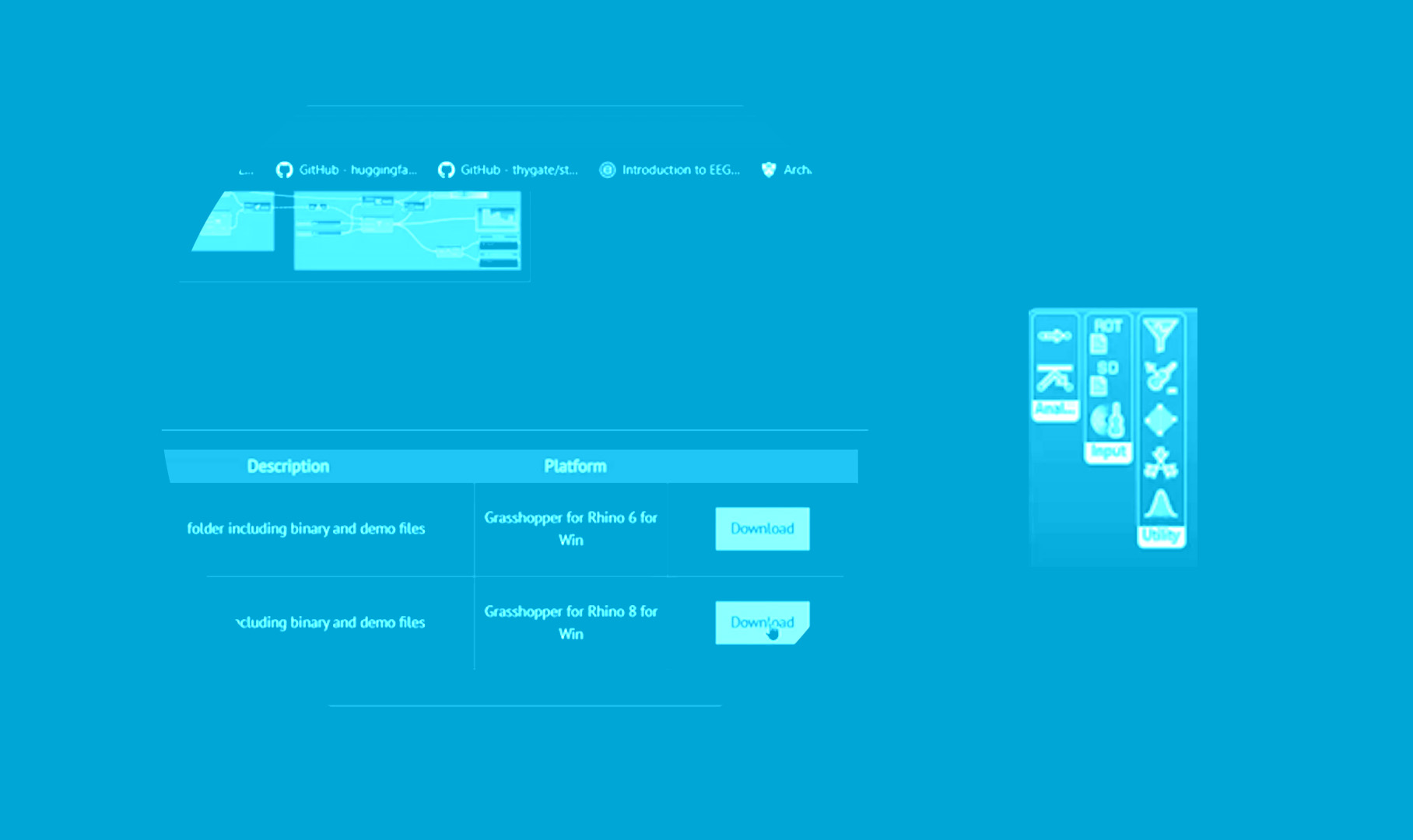
Acoustic Analysis (1.5 hrs) 2/8
02 | Set up the base geometry for acoustic analysis
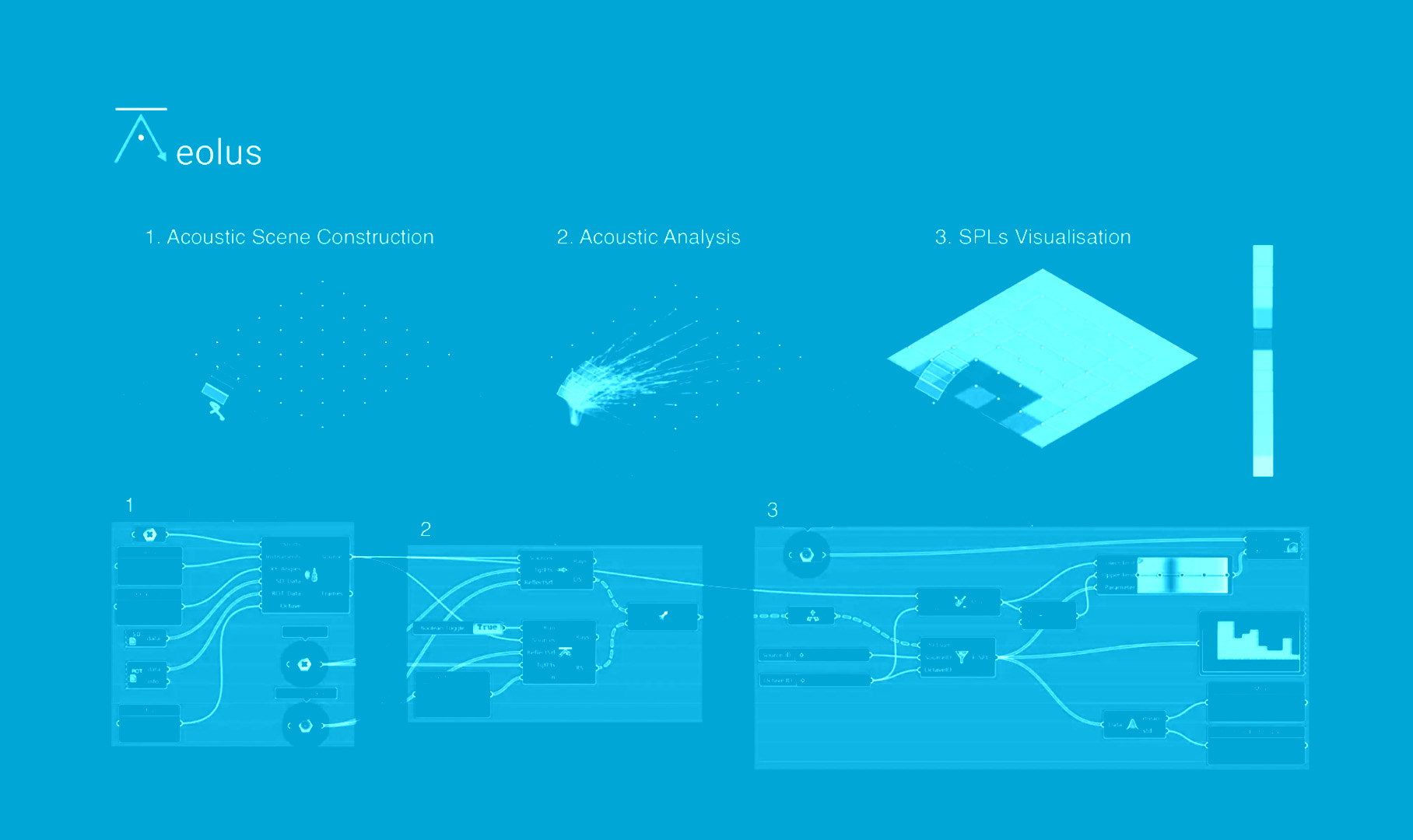
Acoustic Analysis (1.5 hrs) 3/8
03 | Define the sound source object
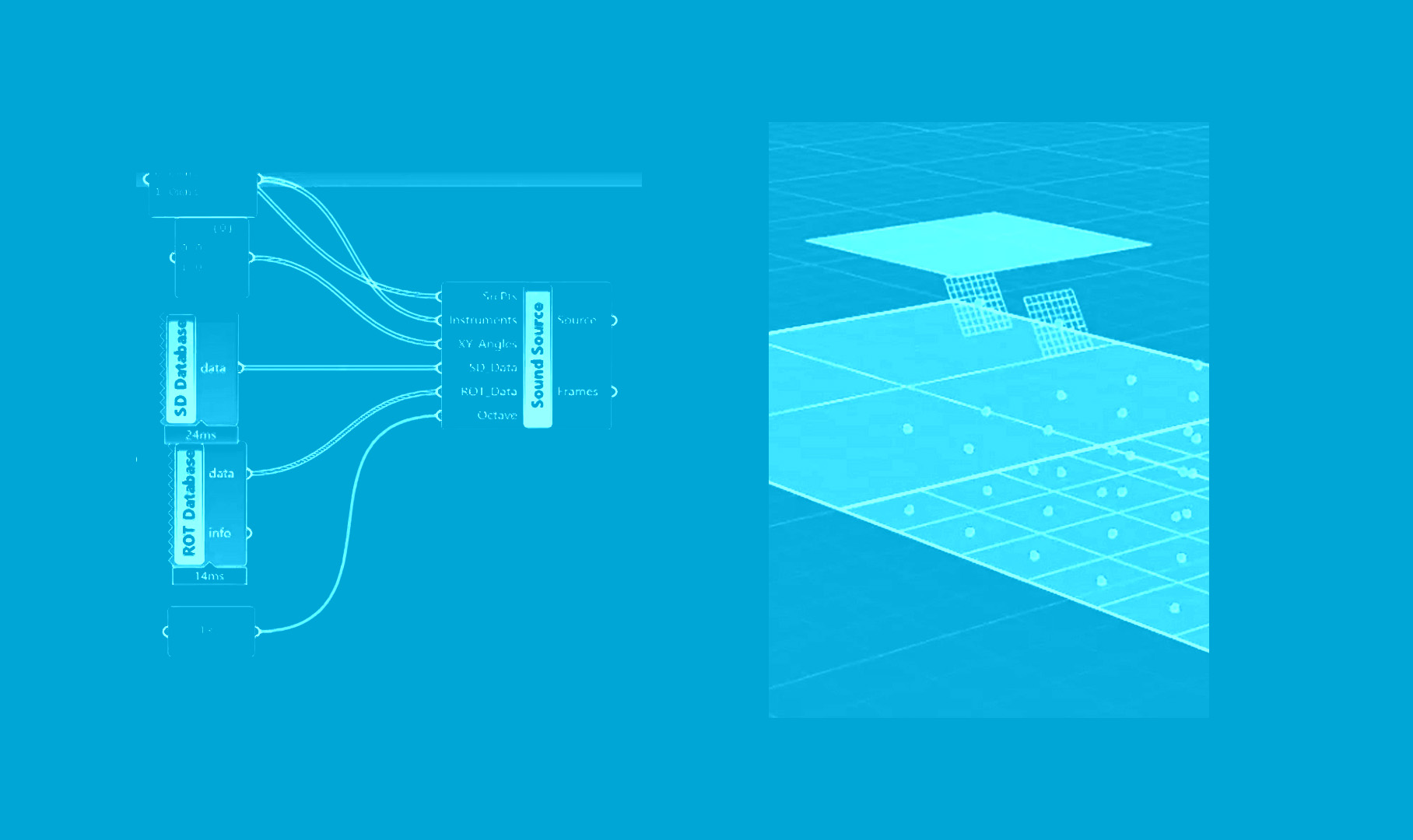
Acoustic Analysis (1.5 hrs) 4/8
04 | Compute the Sound Pressure Levels
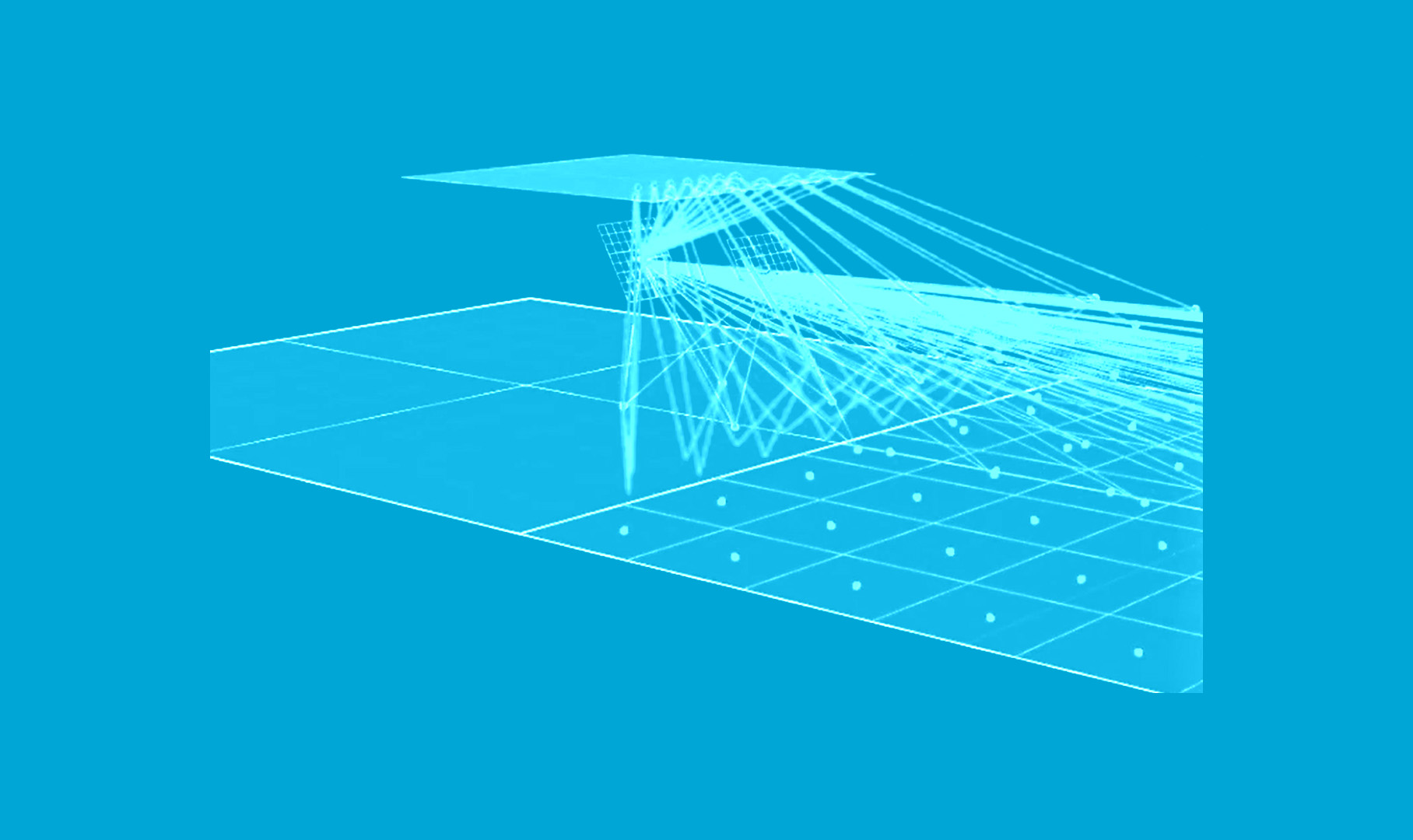
Acoustic Analysis (1.5 hrs) 5/8
05 | Construct a map to visualise Sound Pressure Levels

Acoustic Analysis (1.5 hrs) 6/8
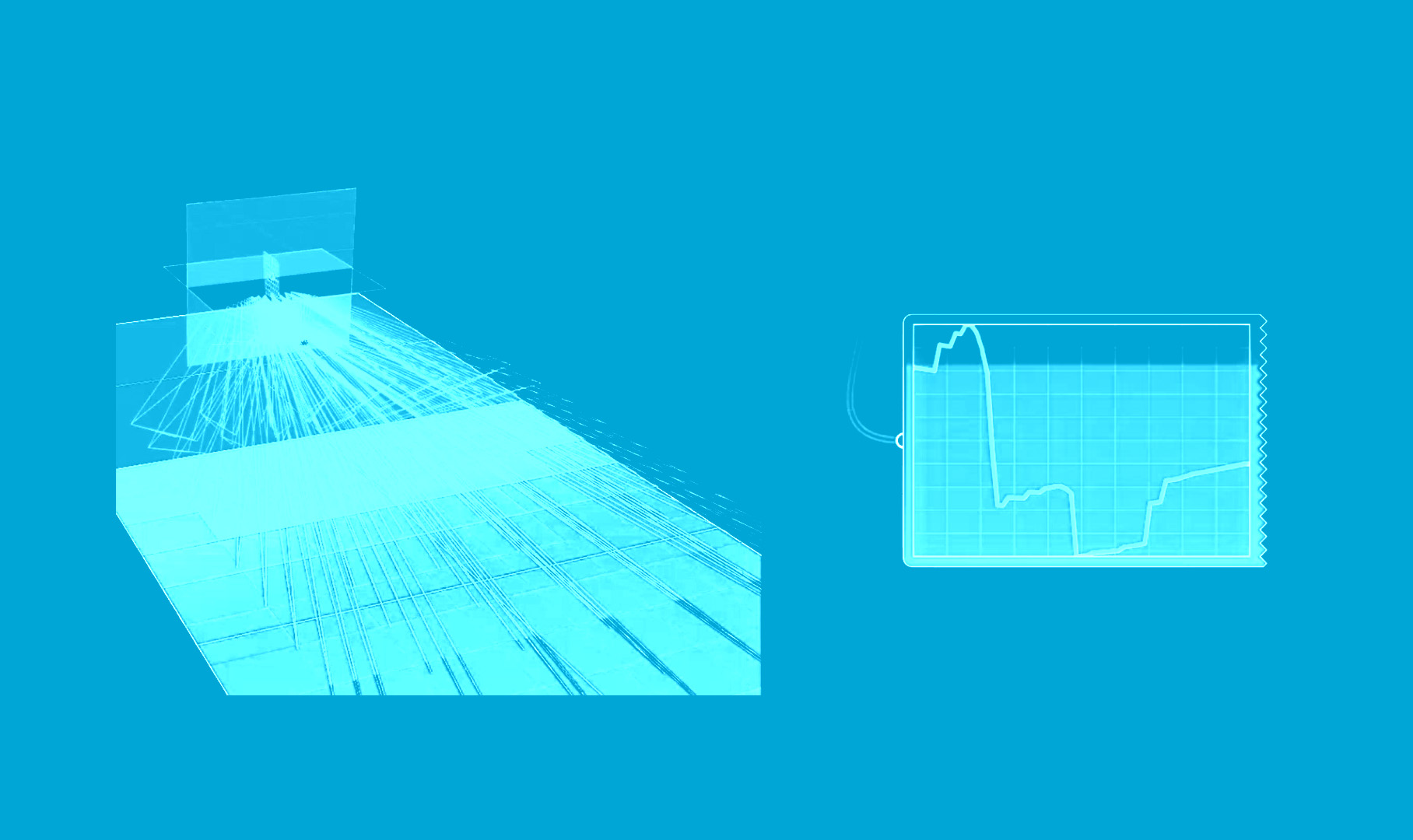
06 | Analyse the relationship between design variables and Sound Pressure Level distribution
Acoustic Analysis (1.5 hrs) 7/8
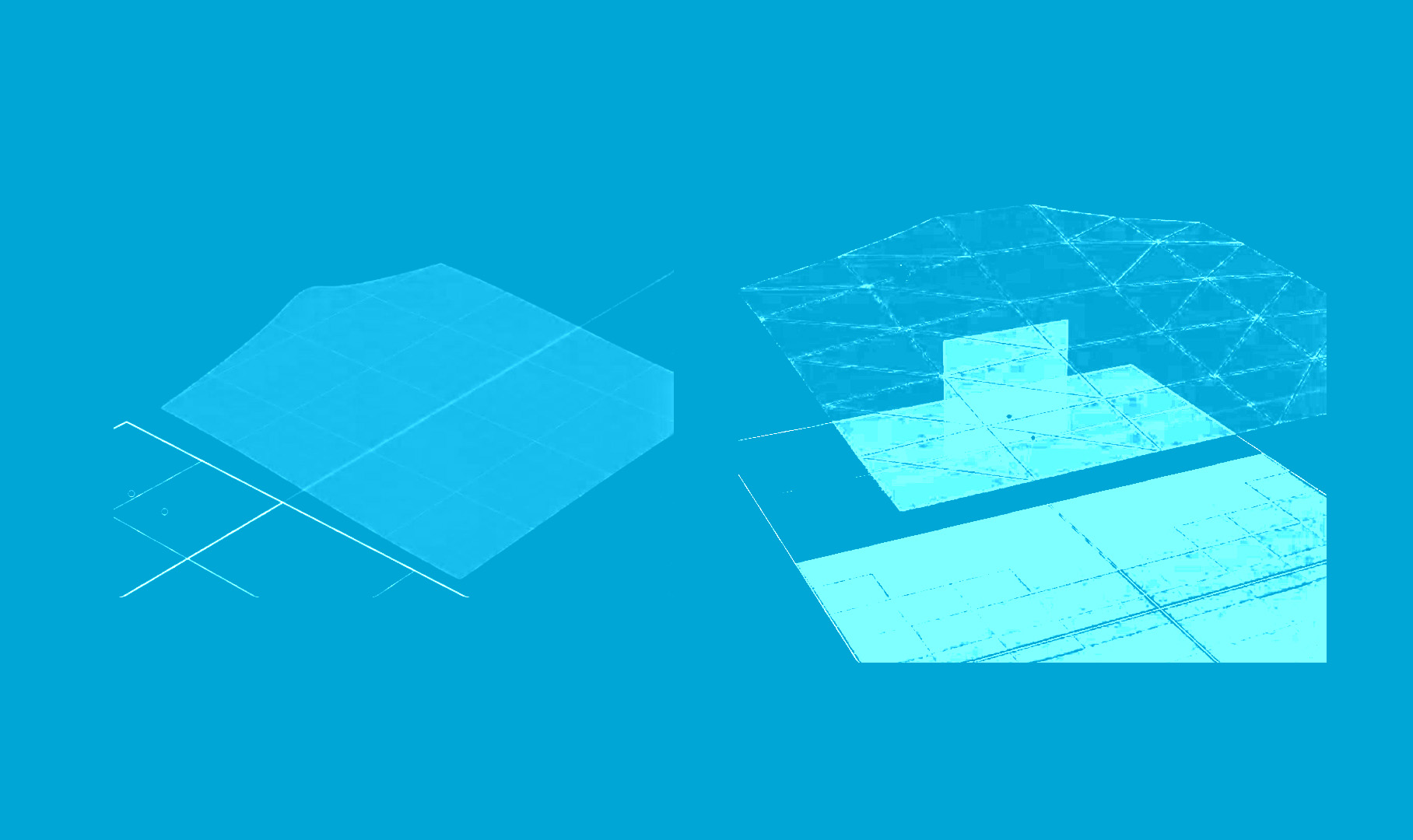
07 | Analyse a doubly curved geometry
Acoustic Analysis (1.5 hrs) 8/8
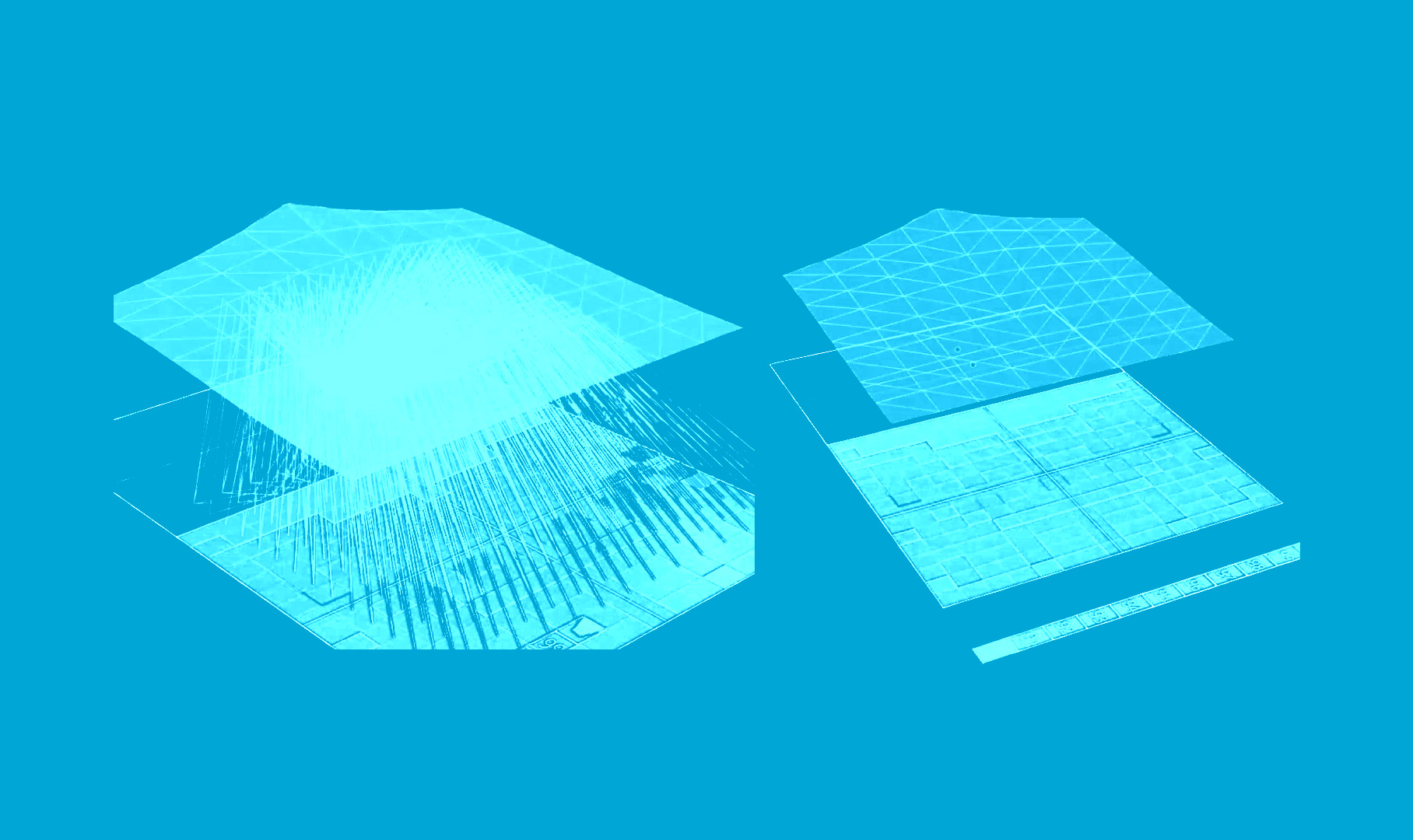
08 | Adjust acoustic simulation settings
Write your feedback.
Write your feedback on "Acoustic Analysis (1.5 hrs)"".
If you're providing a specific feedback to a part of the chapter, mention which part (text, image, or video) that you have specific feedback for."Thank your for your feedback.
Your feedback has been submitted successfully and is now awaiting review. We appreciate your input and will ensure it aligns with our guidelines before it’s published.