
Parametric Modelling
-
Intro
-
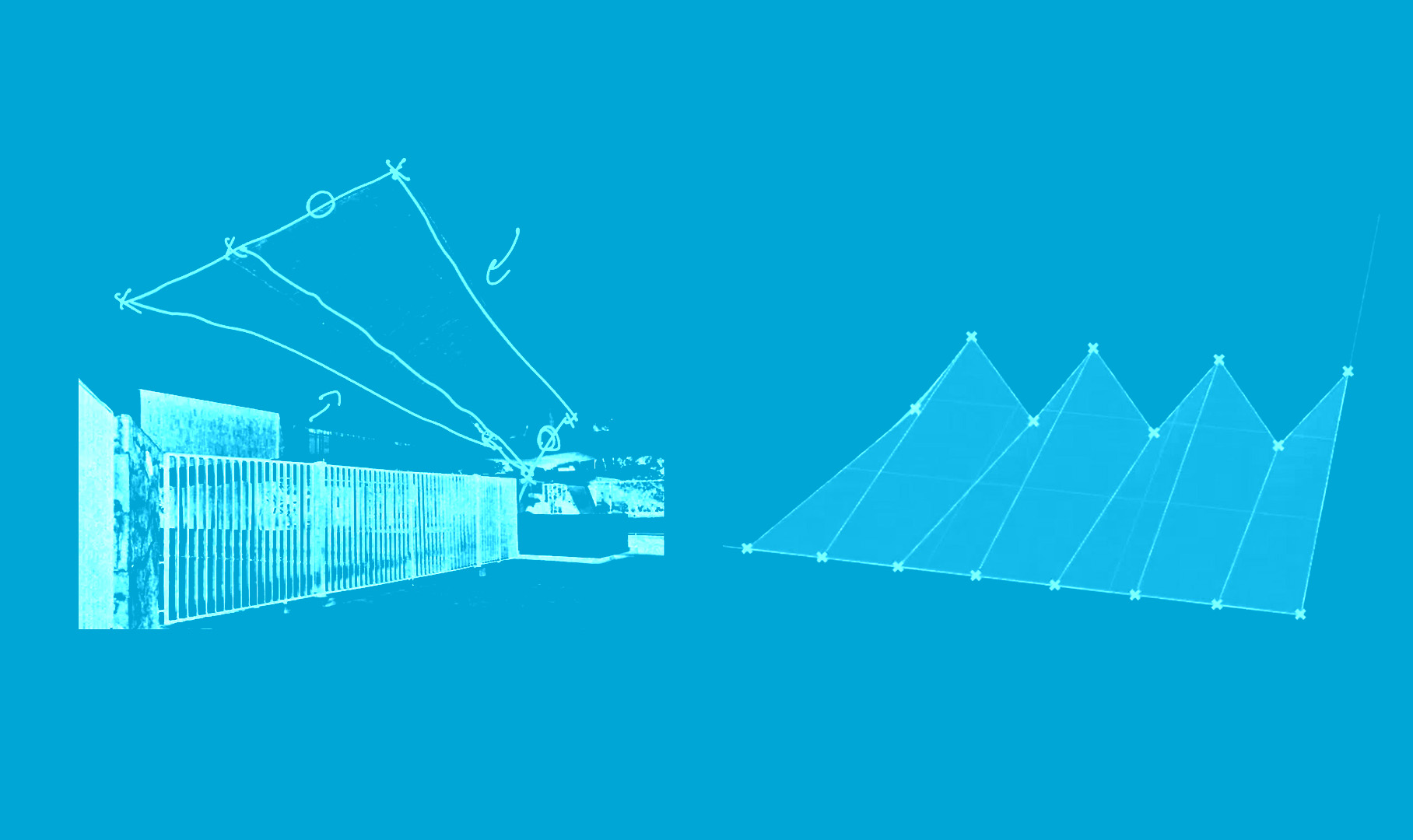
01 | Build a Parametric model of a cantilevering shell
-
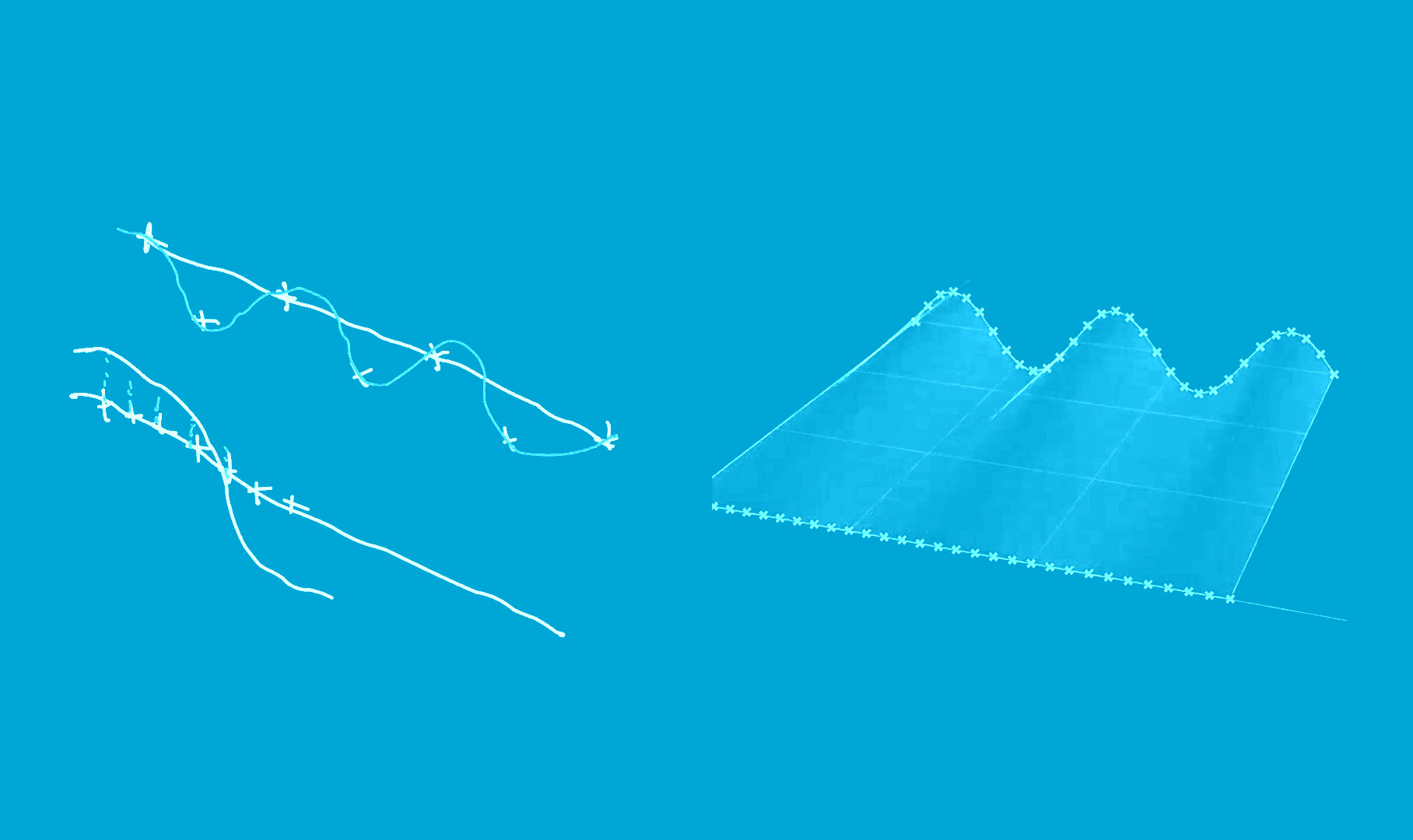
2 | Generate design variations using mathematical functions
-
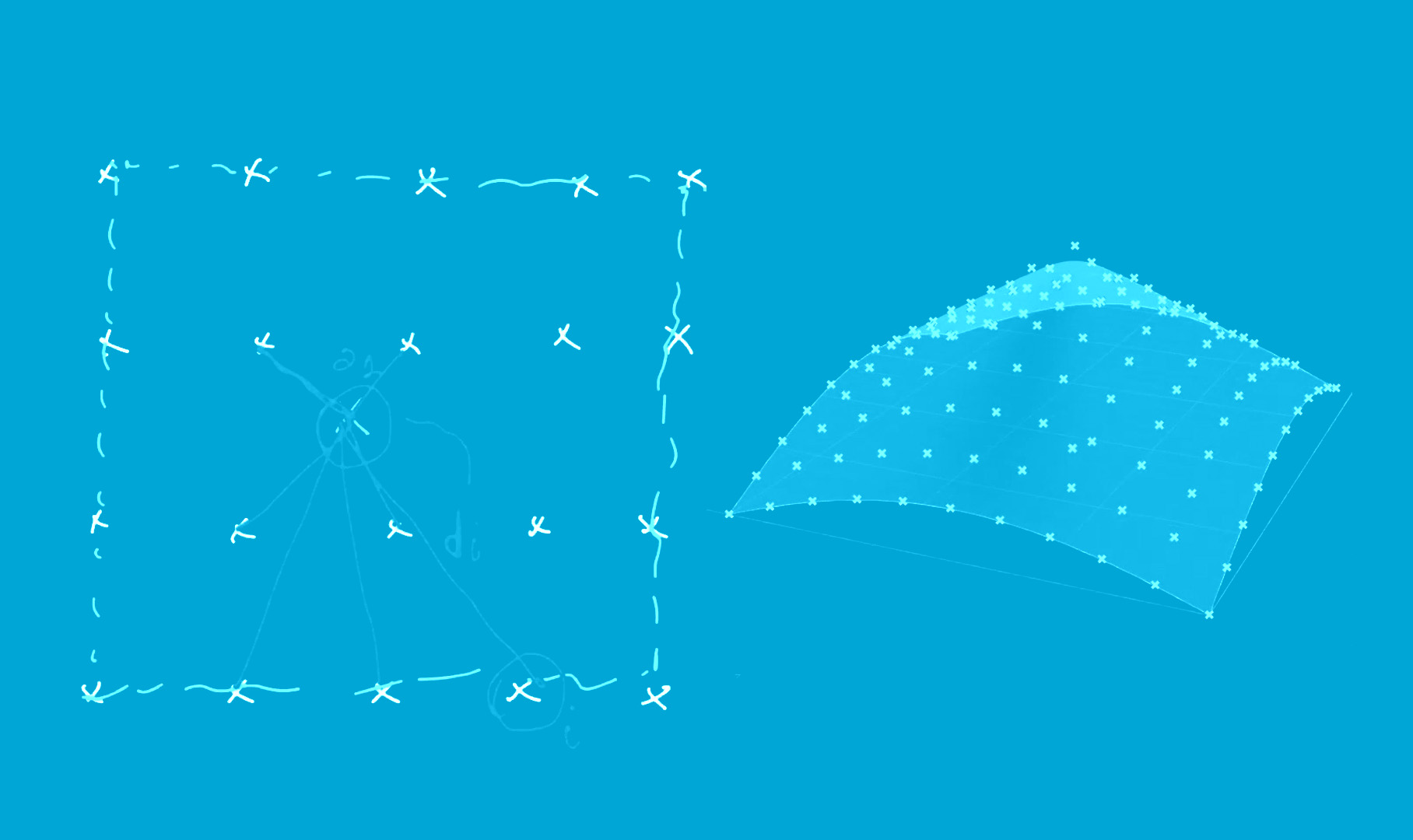
3 | Manipulate a NURBS surface with an attractor point (distance function)
-
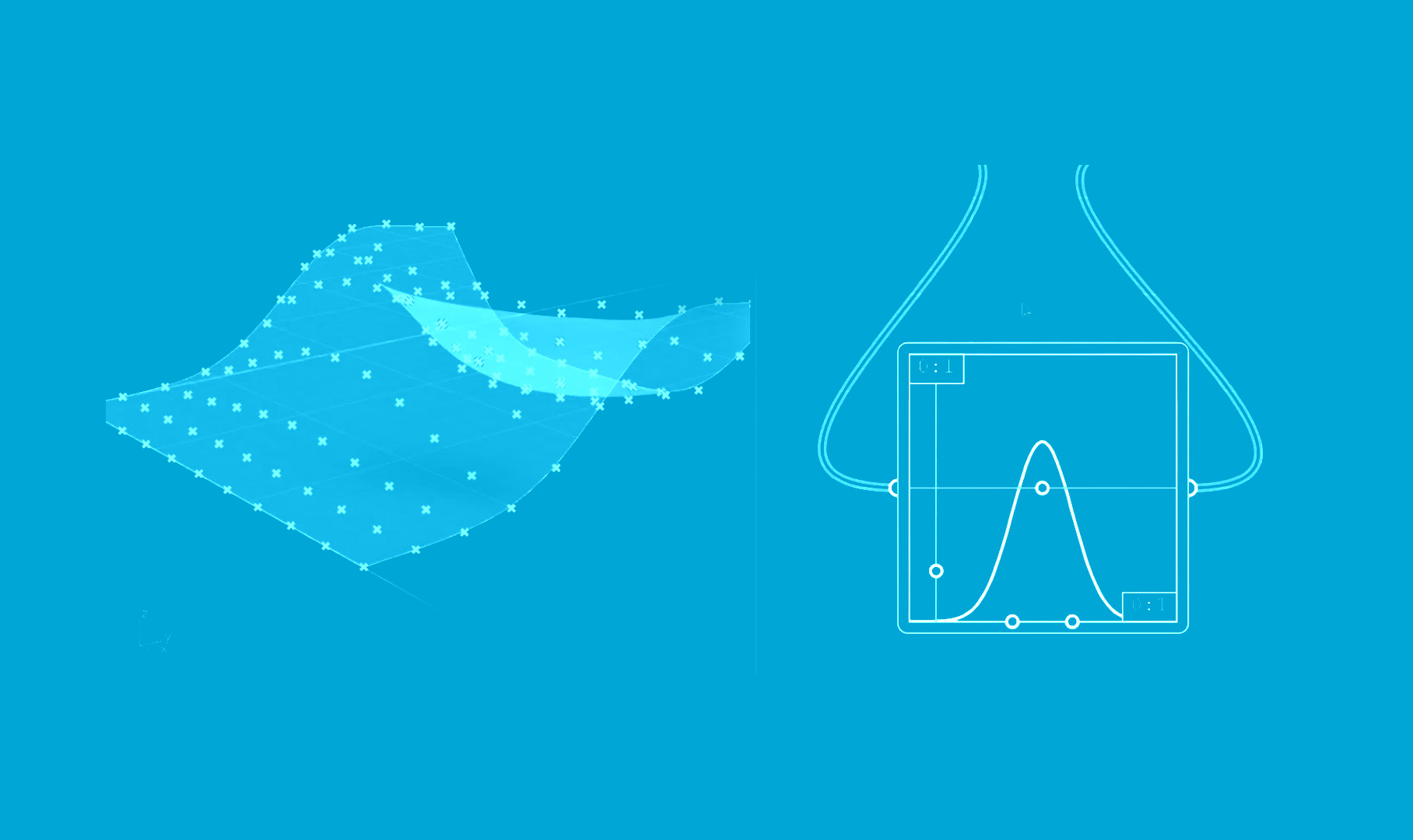
4 | Manipulate a NURBS surface with ‘Graph Mapper’
-
5 | Manipulate a NURBS surface with explicit functions
-
6 | Manipulate a NURBS surface with multiple attractor points
-
7 | Organise a Grasshopper definition
-
8 | Manipulate a NURBS surface with attractor curves
-
9 | Build a parametric model of an edge-supported shell
-
10 | Combine multiple parametric transformations
-
11 | Draw a flowchart (pseudo-code) to represent a parametric model
Information
| Primary software used | Grasshopper |
| Course | Parametric Modelling |
| Primary subject | Parametric Modeling |
| Secondary subject | Optimization |
| Level | Beginner |
| Last updated | September 16, 2026 |
| Keywords |
Responsible
| Teachers | |
| Faculty |
Parametric Modelling 0/11
Parametric Modelling
The goal of this assignment is to develop a clear and reproducible parametric design strategy by defining variables, constraints, and geometric transformations. The main goal is to understand how these elements can be used to generate different design variations rather than modelling each variation manually.
The tutorial uses Grasshopper as the primary software and focuses on constructing a parametric model through the definition of variables, constraints, and geometric transformations. The resulting design variations provide a foundation for later performance analysis and optimisation exercises.
Tutorial Overview
Duration approx. 2 hrs.
The tutorial progressively covers:
- Building a parametric model
A cantilevering shell based on hyperbolic paraboloids is used as an initial example. - Generating design variations
Mathematical functions are introduced to change geometry systematically and create multiple alternatives. - Using attractor points
A point can influence a NURBS surface based on distance, allowing geometry to respond to a defined location. - Using Graph Mapper and functions
Different mathematical relationships can control how a surface is transformed. - Using multiple attractors and curves
More complex geometric responses can be created by combining several influencing points or curves. - Organising Grasshopper definitions
The tutorial also addresses how to structure a Grasshopper model so that the parametric logic remains understandable and manageable. - Combining transformations
Several parametric operations can be linked together to create more sophisticated forms. - Representing the logic as a flowchart
The final exercise translates the parametric model into pseudo-code/flowchart logic, helping connect visual programming with algorithmic thinking.
Parametric Modelling 1/11
01 | Build a Parametric model of a cantilevering shell
Parametric Modelling 2/11
2 | Generate design variations using mathematical functions
Parametric Modelling 3/11
3 | Manipulate a NURBS surface with an attractor point (distance function)
Parametric Modelling 4/11
4 | Manipulate a NURBS surface with ‘Graph Mapper’
Parametric Modelling 5/11
5 | Manipulate a NURBS surface with explicit functions
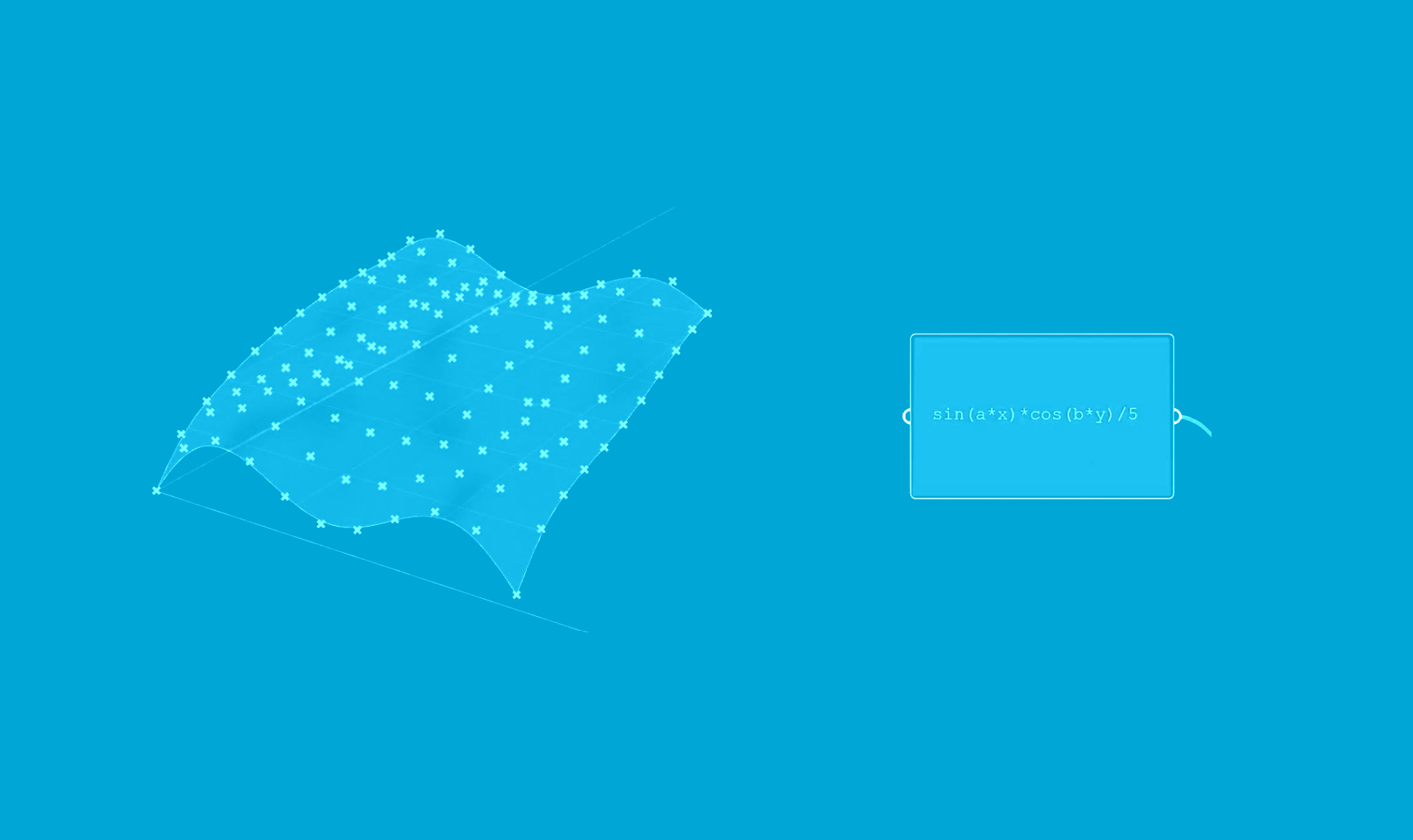
Parametric Modelling 6/11
6 | Manipulate a NURBS surface with multiple attractor points
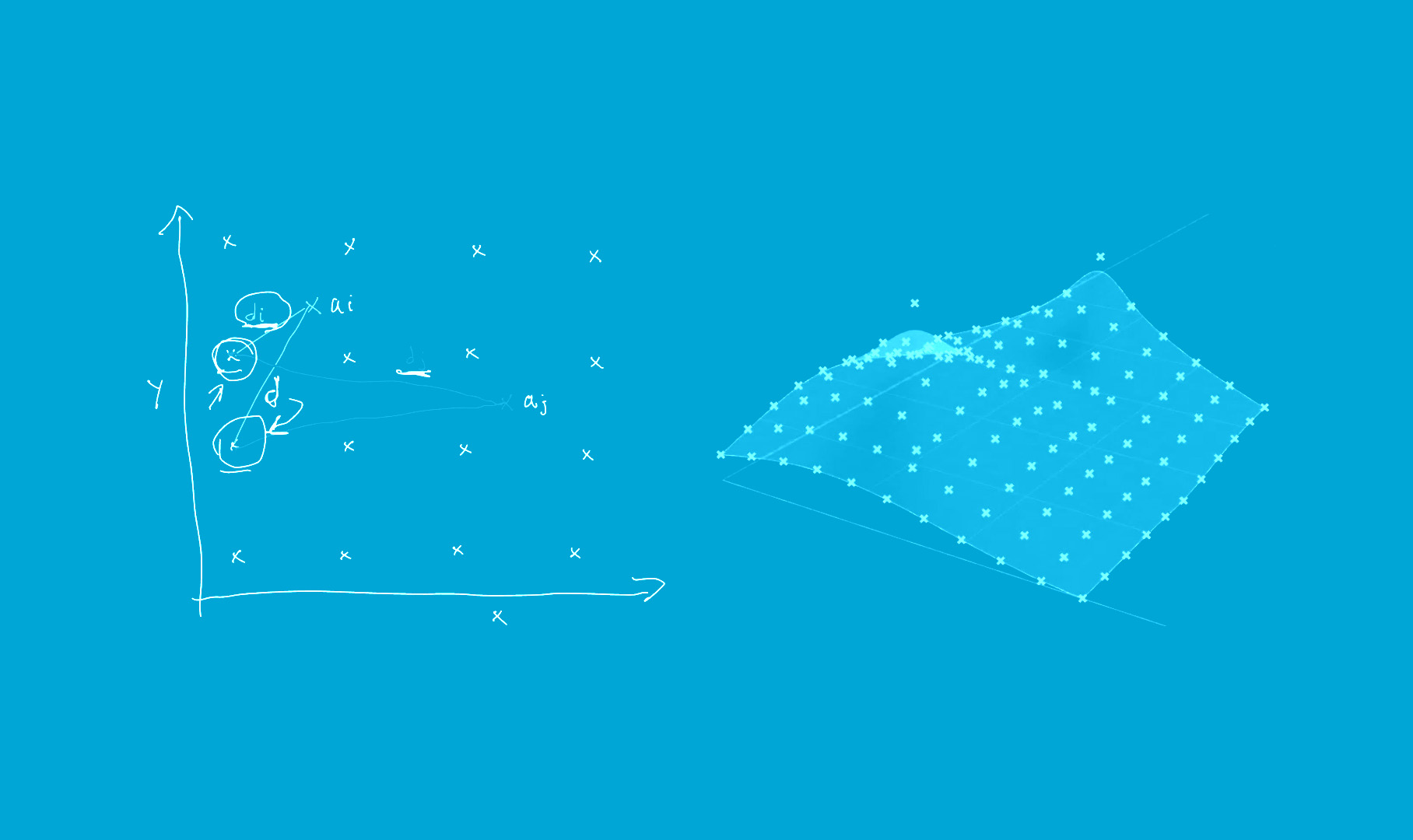
Parametric Modelling 7/11
7 | Organise a Grasshopper definition
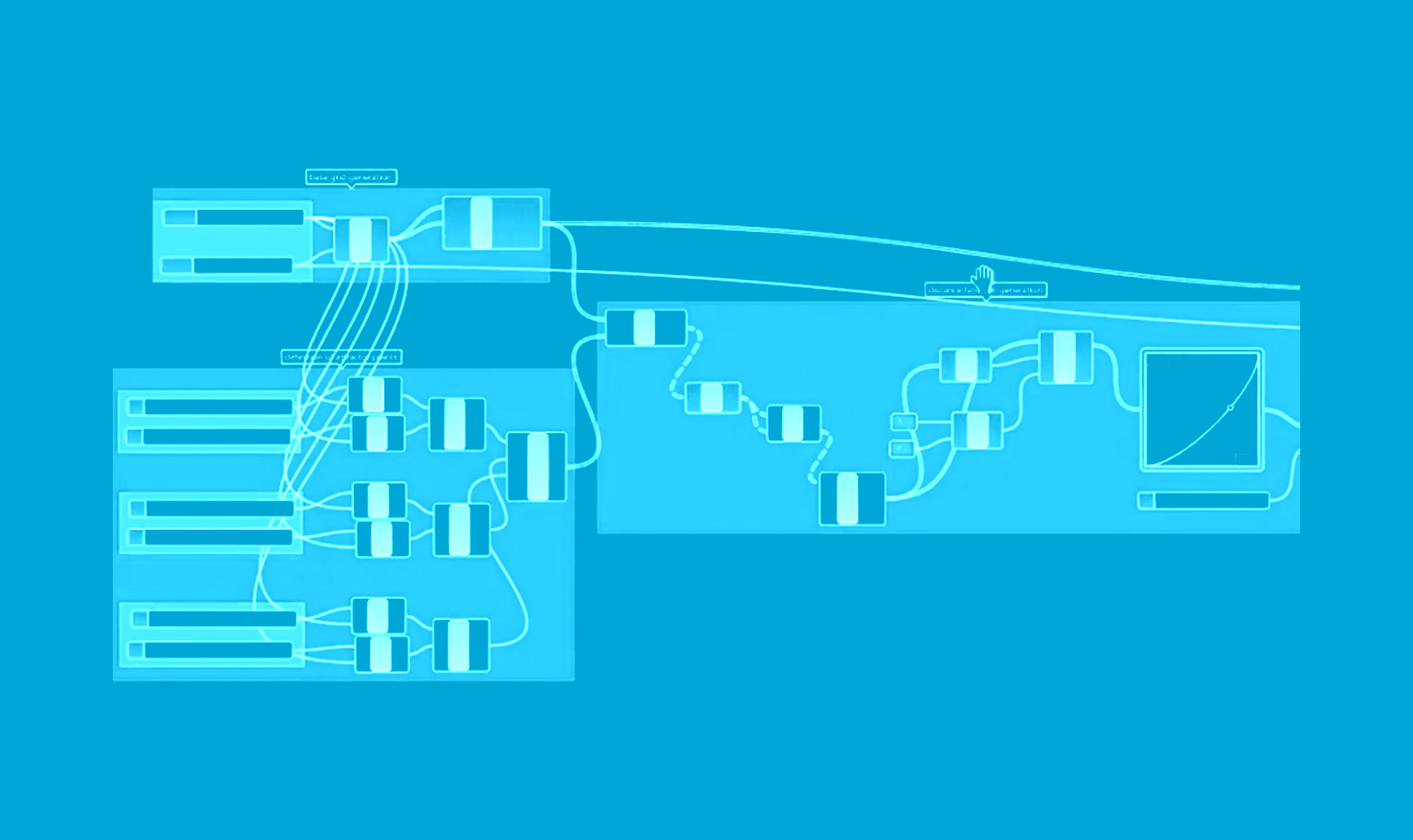
Parametric Modelling 8/11
8 | Manipulate a NURBS surface with attractor curves
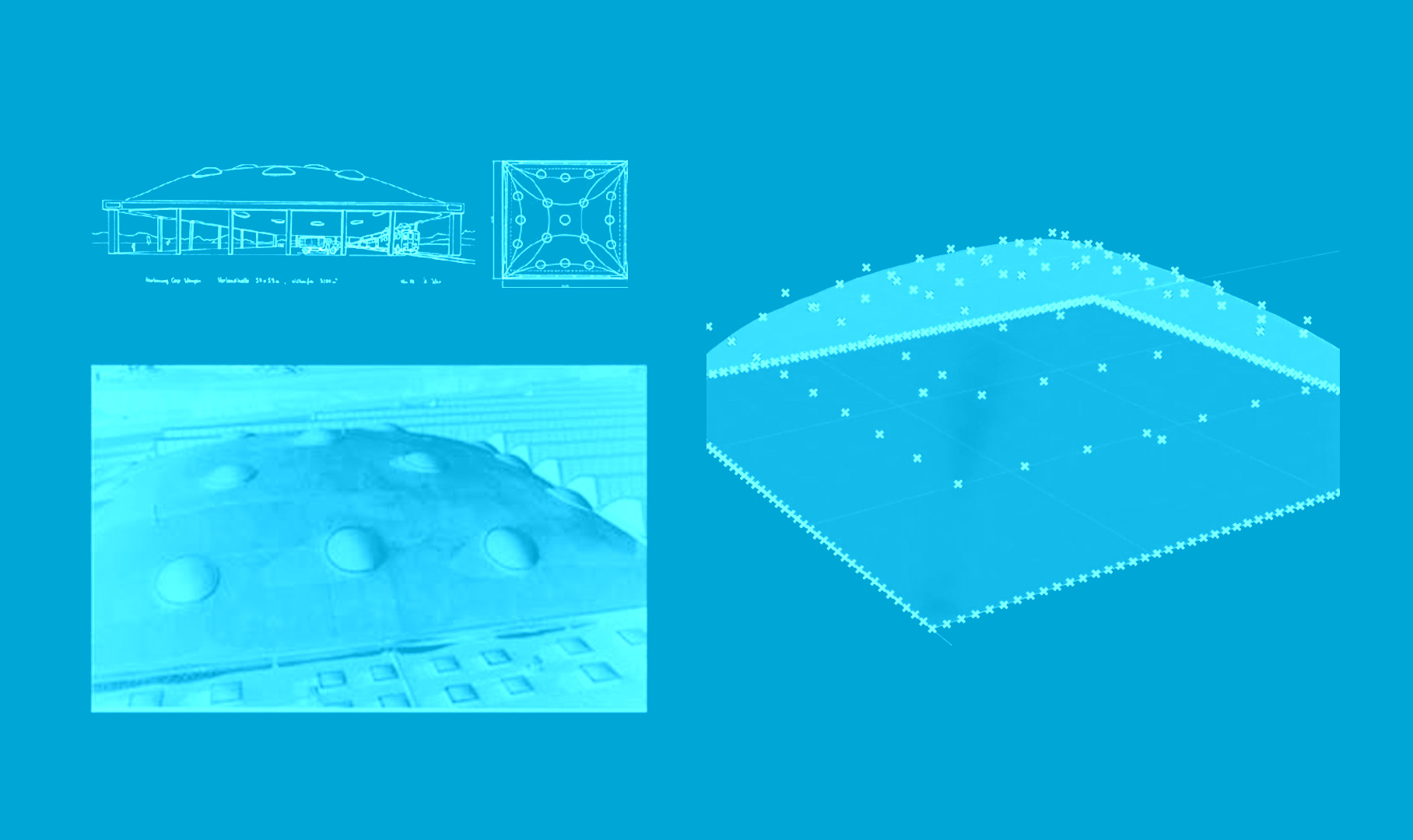
Parametric Modelling 9/11
9 | Build a parametric model of an edge-supported shell
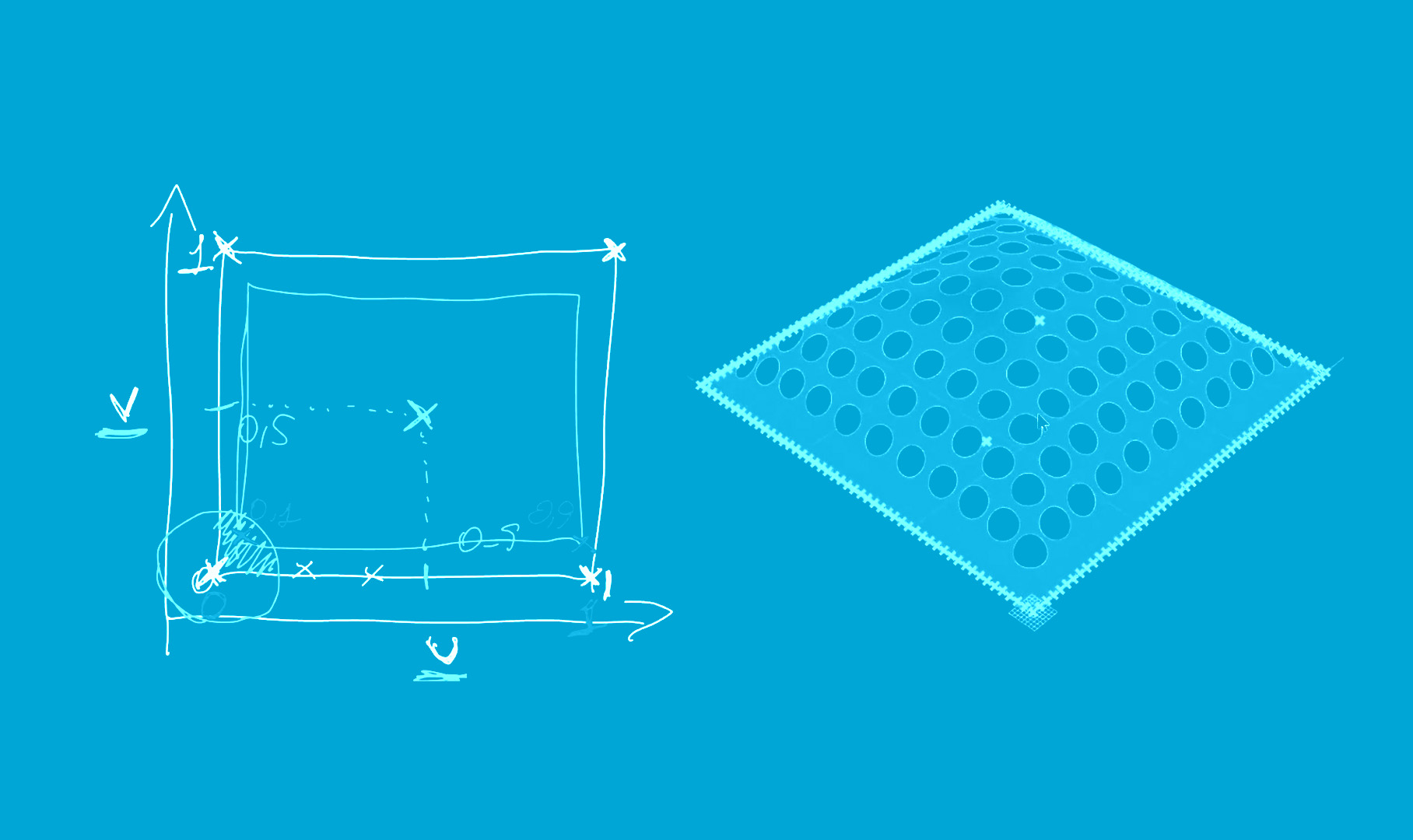
Parametric Modelling 10/11
10 | Combine multiple parametric transformations
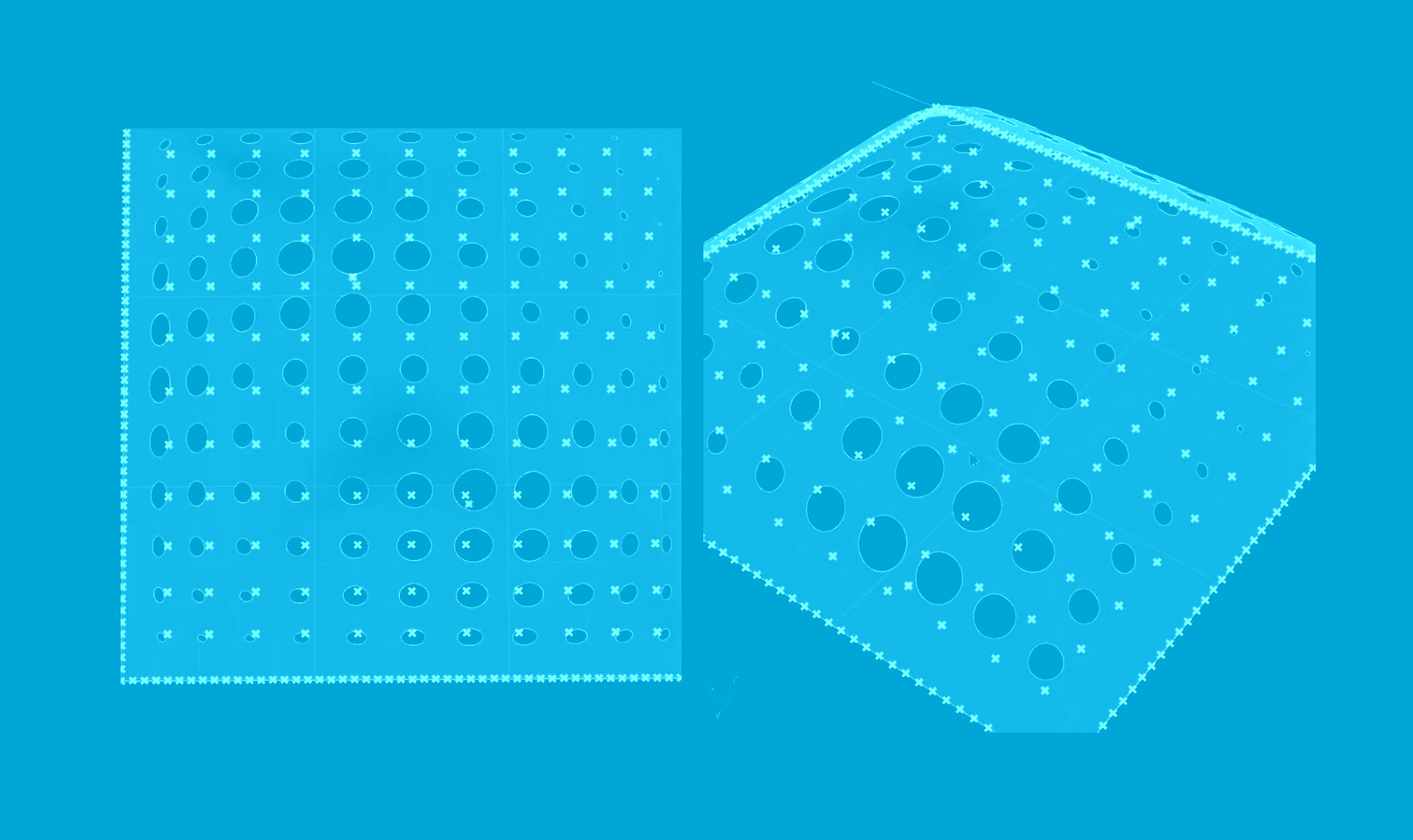
Parametric Modelling 11/11
11 | Draw a flowchart (pseudo-code) to represent a parametric model
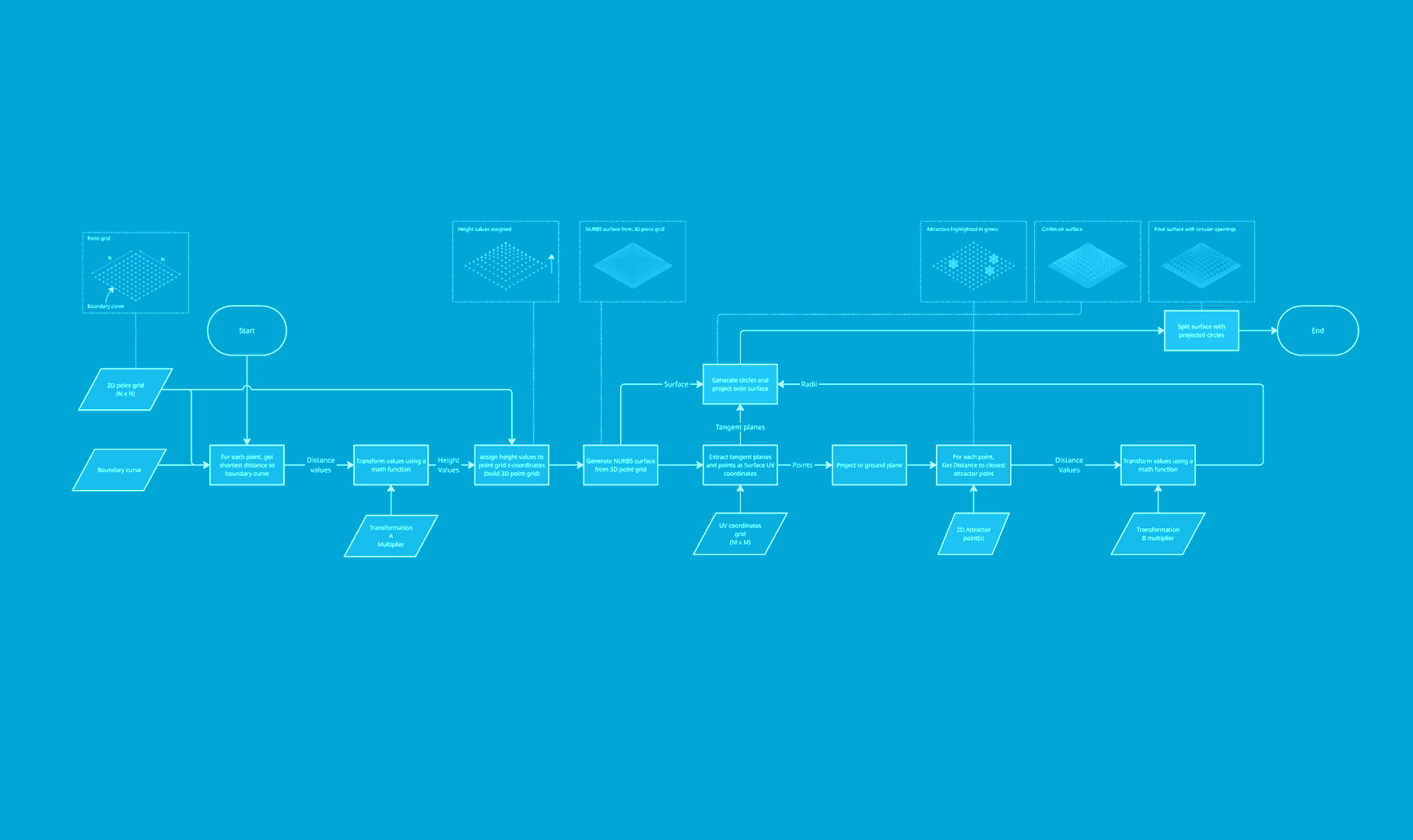
Write your feedback.
Write your feedback on "Parametric Modelling"".
If you're providing a specific feedback to a part of the chapter, mention which part (text, image, or video) that you have specific feedback for."Thank your for your feedback.
Your feedback has been submitted successfully and is now awaiting review. We appreciate your input and will ensure it aligns with our guidelines before it’s published.